Save file
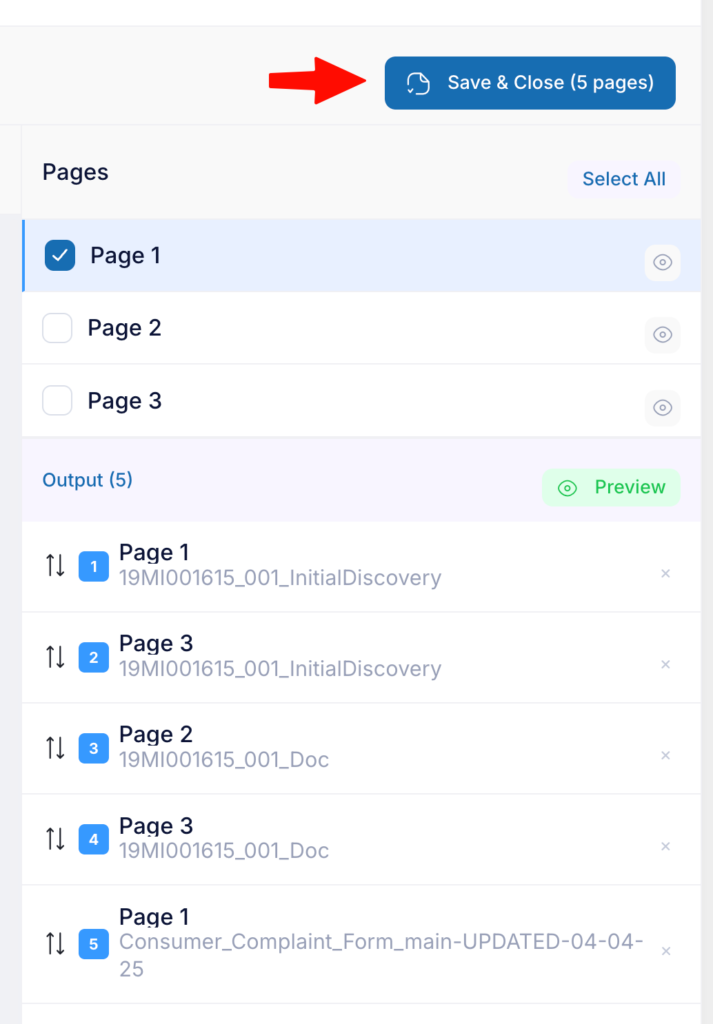
One you have collected all the pages you want in the final document, click the Save & Close (X pages) button
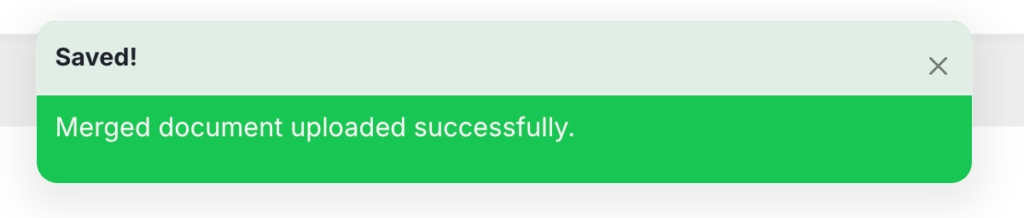
Once the new AWP document is successfully created you will see this notice at the top of the page
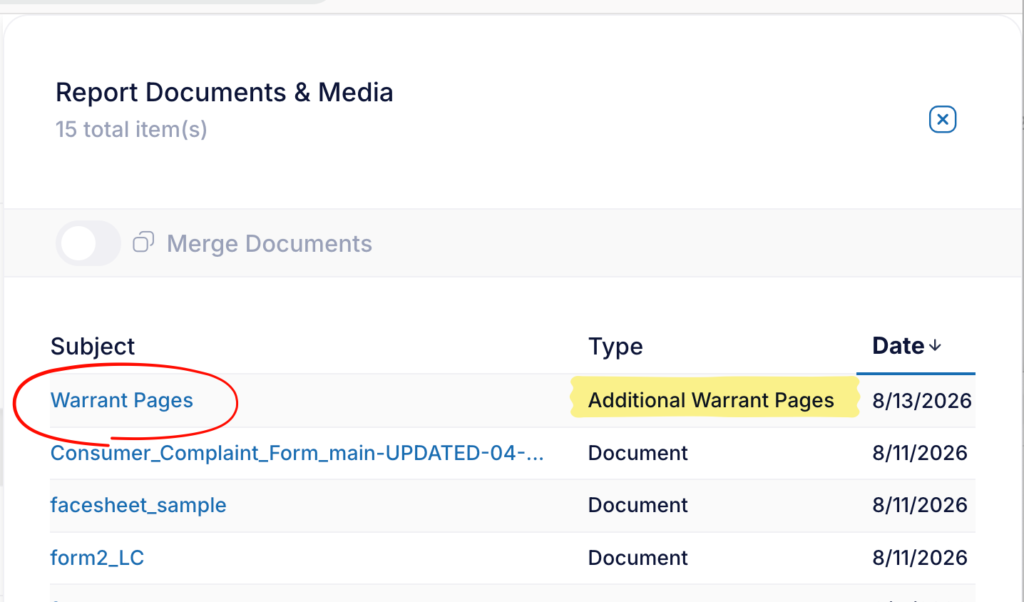
Give the application up to 2 minutes to process the new file, then reopen the document slider. You will see the new AWP at the top.
Click the blue text link so open the PDF in a new tab